
You have an Excel file. Maybe a carefully built Google Sheets with tabs, conditional formulas, and a thoughtful color code. You updated it with discipline for a few weeks, then less and less often, and now it's 3 months behind your actual collection. Welcome to the club: it's the experience of 80% of collectors who use a spreadsheet.
You have an Excel file. Maybe a carefully built Google Sheets with tabs, conditional formulas, and a thoughtful color code. You updated it with discipline for a few weeks, then less and less often, and now it's 3 months behind your actual collection. Welcome to the club: it's the experience of 80% of collectors who use a spreadsheet.
This isn't a discipline or motivation problem. It's an unsuitable-tool problem. Excel and Google Sheets are fantastic tools for many uses, but managing an active comic collection isn't among their strengths. Here are the 7 concrete problems every collector eventually hits.
Problem 1: Prices are outdated by the next day
No daily-updated prices
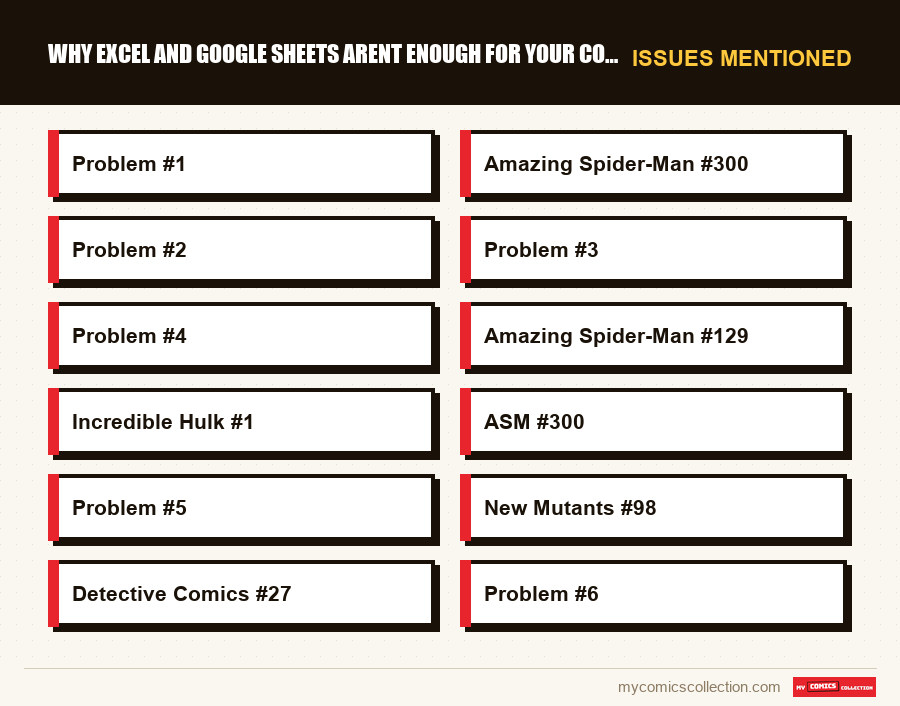
You patiently entered each comic's estimated value in your spreadsheet. Amazing Spider-Man #300: $220 (value from when you bought it). Except since then, the Venom film came out in 2024, a Disney+ series was announced, and this same comic is now worth $465 in Very Fine.
Your spreadsheet doesn't know that. It still shows $220. And you may have refused an offer of $385 thinking it insufficient, or accepted $240 thinking you got a deal. An outdated price is no better than a blind estimate.
On the comics market, prices can move 20 to 300% in weeks during MCU or DC announcements. Without real-time updates, your spreadsheet gives you false security.
Problem 2: No scanner: each entry takes minutes
Manual entry kills motivation
Picture the scene: you come home from a yard sale with 12 comics. It's 6 PM. You open your spreadsheet. For each comic, you need to: type the series's exact name (watch the spelling), the issue, publisher, year, condition, price paid. Then look up the value on another tab or site. Then come back to the spreadsheet. 12 comics = about 45 minutes to 1 hour of data entry.
Reality? Most spreadsheet collectors do this: they set the comics on a desk corner saying "I'll update the file this weekend." And the next weekend, the comics are still there, joined by 6 more purchases. The file falls behind. And when it's 3 months behind, you never update it again.
Problem 3: Unusable in-store or at yard sales
A spreadsheet is unusable in the field
You're at a flea market. A seller offers a lot of 20 Amazing Spider-Man for $88. Do you already have some of these issues? What's the price of the lot's key issues? Should you buy?
With your spreadsheet: you open Google Sheets on your phone (if the network allows), you navigate a table not designed for mobile, you search each issue by hand, you struggle to read in sunlight on a 6-inch screen. Meanwhile, another collector has pulled out their app, scanned 3 barcodes, and already decided to buy.
The yard-sale decision happens in 30 seconds. A spreadsheet can't give you that answer in 30 seconds.
Problem 4: Data entry errors are inevitable
Manual data is error-prone
Do you have "Amazing Spider-Man #129" or "Amazing Spider-Man (1963) #129"? "X-Men" or "The Uncanny X-Men"? "Incredible Hulk #1" or "Incredible Hulk vol. 1 #1"? In a spreadsheet, there's no reference database. Each entry is free-form, which generates inconsistencies from one comic to the next.
Concrete result: you type "Spiderman" (no hyphen) for some issues and "Spider-Man" for others. Your deduplication formula misses duplicates because the strings don't exactly match. You think you have Amazing Spider-Man #300 twice when you have one entry for "ASM #300" and another for "Amazing Spider-Man 300." Conversely, you buy a duplicate because your original entry was misspelled.
The solution that replaces your spreadsheet for good
Barcode scanner, daily-updated prices, synced wishlist, automatic anti-duplicate. My Comics Collection does everything your spreadsheet can't: in 10x less time.
Try for free →7-day trial · Migration from Excel possible
Problem 5: No smart alerts
Your spreadsheet never warns you of anything
Imagine seeing, the next time you open your collection, that your New Mutants #98's estimate just jumped 40% following a Deadpool film announcement. Or having each wishlist comic sit next to the target price you set. Or getting a warning the moment you add a comic already in your collection.
With a spreadsheet, none of this is possible. An Excel or Sheets file is passive by nature: it does nothing without you acting on it. In a market as dynamic as comics, lack of alerts makes you miss opportunities and miss important signals.
Concrete example: in March 2021, during The Batman film announcement, Detective Comics #27's price doubled in 72 hours. Collectors with eBay alerts set got the news and could quickly decide whether to sell or hold. Spreadsheet collectors discovered the jump 3 weeks later.
Problem 6: Wishlist isn't synced with collection
Wishlist and collection live in separate silos
In most collector spreadsheets, the wishlist is a second tab (or a second file, or even a Post-it). It's not connected to the main collection. Result: when you buy a wishlist comic, you must manually remove it from the list AND add it to the collection. Two operations instead of one. And if you forget either (which often happens), your wishlist still shows comics you already own.
Worse: if your wishlist is a separate document on your computer and you're at a yard sale with your phone, you simply can't access it, or you have to go through Drive, authentication, opening the file... while the seller waits.
Collecting this series?
Track what you own, what you are missing and what your collection is worth. 7 day trial.
Start my trial →Problem 7: No clean export for presenting or insuring your collection
The collection report doesn't exist
You want to insure your collection. The insurer requests a valued inventory. You want to sell part of your collection to a fellow collector. You want to share your collection on a forum. With a homemade spreadsheet, you need to manually reformat your file, calculate totals, create a presentable document. Often several hours of work.
Same for your collection's total value: with a spreadsheet, you need to create sum formulas over estimated values you entered yourself (which are therefore outdated by months). You never have an instant, precise, credible view of your collection's real value.
The honest verdict: Excel isn't bad, it's unsuitable
Excel and Google Sheets are excellent tools: for what they were designed for. Business accounting, data analysis, budget forecasts. They're generic tools, and their genericity is both their strength and their limit.
A comic collection has very specific needs:
- A reference database of millions of issues
- Instant access to estimates drawn from the current secondary market
- A functional barcode scanner on mobile
- Integrated, synced wishlist/collection logic
- A target price on each wishlist entry, shown next to the market estimate
- An interface designed for quick field use
None of these needs can be met by a spreadsheet, regardless of your formula sophistication. It's not a spreadsheet-skills problem: it's a fundamental mismatch between tool and domain.
The spreadsheet's real cost: beyond data-entry time, a spreadsheet's real cost is measured in avoidable errors, duplicates purchased, mis-valued prices, missed opportunities, sales at wrong prices. For a collector with 300 comics and moderate buy/sell activity, this cost easily exceeds $220-$330 per year.
How to migrate in under an hour
Good news: migrating your collection from Excel to My Comics Collection is simple and fast.
Export your spreadsheet as CSV
In Excel: File > Save As > CSV. In Google Sheets: File > Download > CSV. Make sure you at least have "title," "issue," and "condition" columns.
Import into My Comics Collection
In the app, go to Settings > Import. Load your CSV file. The app automatically matches your entries to its database of millions of issues.
Validate ambiguous matches
The app presents uncertain matches (misspelled series names, ambiguous issues) for manual validation. Most collections migrate 90%+ automatically.
Enjoy immediately
Your collection is now in the app, with daily-updated prices, active scanner, and synced wishlist. Typical total duration: 20 to 45 minutes for a 500-comic collection.
Frequently asked questions
Migrate your collection in under an hour
Import your Excel or Google Sheets file directly into My Comics Collection. In under an hour, your collection is cataloged, valued daily, and available everywhere on your phone. Without ever reopening a spreadsheet.
Migrate my collection for free →CSV import included